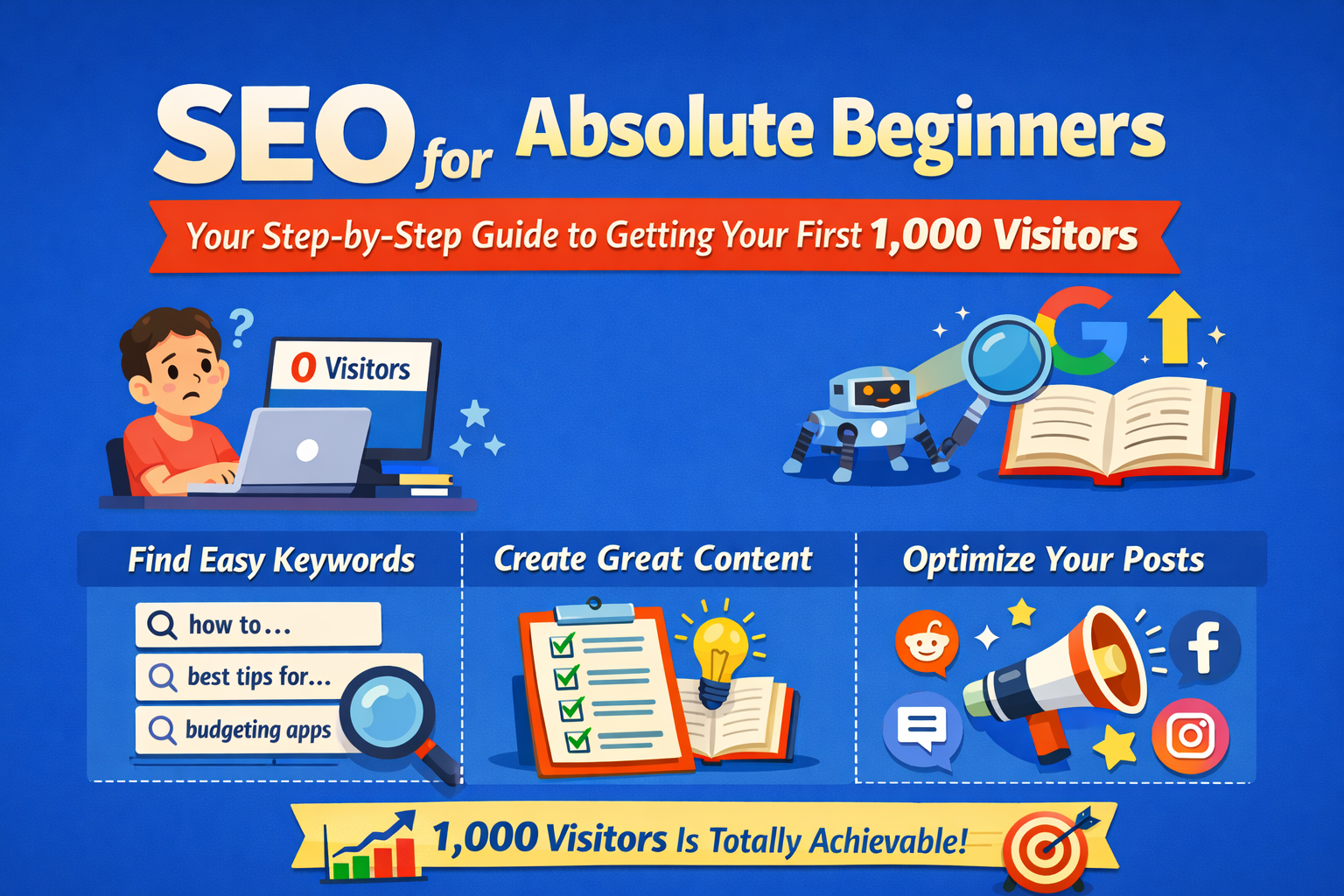
SEO for Absolute Beginners: Your Step-by-Step Guide to Getting Your First 1,000 Visitors
You just hit publish on your first blog post. Now what?
You refresh your analytics. Zero visitors. You check again an hour later. Still zero. A week passes, and maybe… maybe your mom clicked the link you texted her.
Sound familiar?
If you're learning SEO for beginners, this situation is completely normal. Getting your first 1,000 visitors isn’t about luck, expensive tools, or knowing the “right people.” It’s about understanding how search engines work and creating content that answers what people are searching for.
In this SEO for beginners guide, I'm going to show you how to get your first visitors—even if you've never heard the term SEO before today.
What Exactly is SEO? (No Jargon, I Promise)
SEO stands for Search Engine Optimization. But forget that technical name for a second.
Think of Google as a librarian with access to billions of books. When someone asks a question, the librarian doesn't just grab any random book they find the most helpful one that answers that exact question.
Your job? Write content so good, so relevant, and so well-organized that Google's librarian picks YOUR book first.
Here's how Google actually works:
· Crawling – Google sends out tiny robots (called “crawlers”) that scan every page on the internet.
· Indexing – These robots save what they find in a massive digital library.
· Ranking – When someone searches, Google decides which pages answer the question best.

If you help Google understand your content and prove it's genuinely useful, you'll start showing up in search results.
If you want to understand how Google ranks websites in more detail, you can read Google’s official SEO Starter Guide.
🔗 https://developers.google.com/search/docs/fundamentals/seo-starter-guide
Your Goal: 1,000 Visitors (And Why It's More Achievable Than You Think)
A thousand visitors sounds like a lot when you're staring at a big fat zero.
Let's do some quick math.
Scenario | Monthly Visitors |
|---|---|
| 10 blog posts × 100 visitors each | 1,000 visitors |
| 20 blog posts × 50 visitors each | 1,000 visitors |
| 15 blog posts × 70 visitors each | 1,050 visitors |
Suddenly, it's not about hitting a home run with one viral post. It's about consistently publishing helpful content that each attracts a small, steady stream of readers.
Step 1: Find Keywords People Actually Search For
Here's where most beginners go wrong: they write about whatever they find interesting without checking if anyone is actually searching for it.
Keyword research fixes that.
The "Long-Tail" Secret That Beginners Miss
Compare these two keywords:
Keyword Type | Example | Competition | Your Chances |
|---|---|---|---|
Head keyword | weight loss | Millions of results | Almost zero |
Long-tail keyword | weight loss meal plan for college students on a budget | Much fewer results | Actually possible |

Free Tools to Find Keywords (No Credit Card Required)
1. Google’s Search Bar (Your New Best Friend)
Type any topic into Google Search and look at the suggestions that appear. These suggestions come from real searches people make every day.
🔗 https://www.google.com
You type: how to start a podcast
Google suggests:
- how to start a podcast for free
- how to start a podcast on Spotify
- how to start a podcast with no audience
- how to start a podcast for beginners
Each suggestion is a keyword people actually search for.
You now have four blog post ideas in five seconds.
2. “People Also Ask” Boxes
These questions appear directly in Google search results and reveal common queries related to your topic.
🔗 https://support.google.com/websearch/answer/136861
Scroll down any Google search results page. You'll see expandable questions like:
- How much does it cost to start a podcast?
- What equipment do I need to start a podcast?
- Can you start a podcast with just a phone?
These are blog posts waiting to be written.
3. Answer The Public
AnswerThePublic is a free keyword research tool that visualizes real questions people ask online.
🔗 https://answerthepublic.com
Enter “email marketing” and you’ll get dozens of questions like:
- Is email marketing still effective?
- How often should I send marketing emails?
- What's a good email open rate?
4. Google Trends
Want to know if a topic is growing or dying?
trends.google.com shows you search interest over time. This helps you avoid writing about topics nobody cares about anymore.

5. Moz Keyword Explorer
Moz Keyword Explorer helps you check keyword difficulty and estimated search volume before targeting a topic.
🔗 https://moz.com/explorer
Real Example: Finding Your First Keywords
Let’s say you're starting a personal finance blog aimed at recent graduates.
❌ Don’t target:
how to save money (way too competitive)
✅ Do target:
- how to save money on groceries as a college student
- best budgeting apps for people in their 20s
- how to start investing with $100
Notice the pattern?
Specific audiences + specific problems = keywords you can actually rank for.
Step 2: Create Content That Answers Questions (Not Just Keywords)
Here’s a secret that take people years to learn:
Google doesn’t rank keywords. Google ranks answers.
Before you write anything, ask yourself three questions:
- What problem is the reader trying to solve?
- What information would genuinely help them?
- How can I explain this better than the other results on page one?
What “Helpful Content” Actually Looks Like
Example keyword: how to study for final exams
Unhelpful approach
“Studying is important. You should make a schedule. Take breaks. Get enough sleep.”
(Boring. Generic. The reader learned nothing new.)
Helpful approach
“Here’s the exact study system I used to go from failing chemistry to scoring 92% on my final:
Week 1: Review all chapter summaries—don’t re-read everything
Week 2: Create one flashcard per concept (I made 47 for organic chemistry)
Days before exam: Take practice tests under real conditions
The secret? I spent 70% of my study time on practice problems, not reading notes.”
Specificity beats generality every time.
The “Skyscraper” Technique
Before writing, Google your target keyword. Read the top three results.
Then ask:
- What did they miss?
- What examples could I add?
- How can I make this more actionable?
- Can I include newer information?
Your goal is to create the most helpful resource on the internet for that specific question.
Step 3: Structure Your Post for Humans AND Search Engines
You’ve done your research. You know what to write about.
Now it’s time to structure your content so both readers and Google love it.
URLs: Keep Them Short and Sweet
✅ Good
yoursite.com/seo-beginners-guide
❌ Bad
yoursite.com/blog/2024/01/15/this-is-my-complete-guide-to-seo-for-beginners-read-this
Rule of thumb: If you can’t remember your URL, it’s too long.
Headlines That Get Clicks
Your title appears in Google search results.
A boring title = nobody clicks.
Weak Title | Strong Title |
|---|---|
SEO Tips | SEO for Beginners: How to Get Your First 1,000 Visitors |
Budgeting Advice | The 50/30/20 Budget Rule That Helped Me Save $10,000 |
Photography Guide | iPhone Photography: 7 Tricks That Make Amateur Photos Look Professional |
Include your main keyword and a compelling reason to click.
Headings That Guide Readers
Structure matters more than you think.
Use headings to create a clear hierarchy.
H1: Your Main Title (only one per post)
H2: Major Section
H3: Subsection
H3: Another Subsection
H2: Another Major Section
Why this matters:
- Readers can skim and find what they need
- Google understands your content structure
- Longer posts become less overwhelming

Internal Links: Connect Your Content
When you mention a related topic, link to another post on your site.
Example: If you're writing about social media marketing and mention email lists, link to your email marketing guide.
This helps readers discover more of your content and helps Google understand how your posts relate to each other.
Images: More Than Decoration
Every image needs:
- A descriptive filename (budget-spreadsheet-template.png not IMG_4532.png)
- Alt text (a brief description for accessibility and SEO)
Example alt text:
“Monthly budget spreadsheet template showing income and expense categories.”
Step 4: Promote Your Content (Because SEO Takes Time)
Here’s the honest truth:
A brand-new website won’t rank on Google overnight.
It typically takes 3–6 months for new content to gain traction in search results.
In the meantime, you need to bring readers to your site other ways.
Share Strategically (Not Spammily)
Reddit and Online Communities
Find subreddits or forums related to your niche.
But here’s the key…..don’t just drop links.
Instead:
- Become a genuine member of the community
- Answer questions helpfully
- Occasionally share your content when it’s genuinely relevant
Example: Someone in r/personalfinance asks about budgeting apps. You’ve written a detailed comparison guide. That’s a perfect opportunity to share.
Pick ONE Social Platform
Trying to be everywhere is a recipe for burnout.
Choose one platform where your audience hangs out.
- LinkedIn – Professional topics, B2B, career advice
- Instagram – Visual niches like travel, food, fitness
- Twitter/X – Tech, news, commentary
- Pinterest – DIY, recipes, home decor
Repurpose your blog content into native posts.
A 2,000-word blog post can become:
- 5 tweet threads
- 3 Instagram carousels
- 1 LinkedIn article
- 10 Pinterest pins
Engage With Other Creators
Leave thoughtful comments on other blogs in your niche.
Not “Great post!” but genuine insights that add to the conversation.
This builds relationships, gets your name noticed, and sometimes sends curious readers to your site.
Step 5: Track, Learn, and Improve
You can’t improve what you don’t measure.
Essential Free Tools
Google Search Console
Shows you:
- Which keywords bring traffic to your site
- How often your pages appear in search results
- Which pages have technical issues
Google Analytics
Tracks:
- How many visitors you get
- Which pages are most popular
- How long people stay
Monthly Check-In Questions
Metric | What to Look For | Action |
|---|---|---|
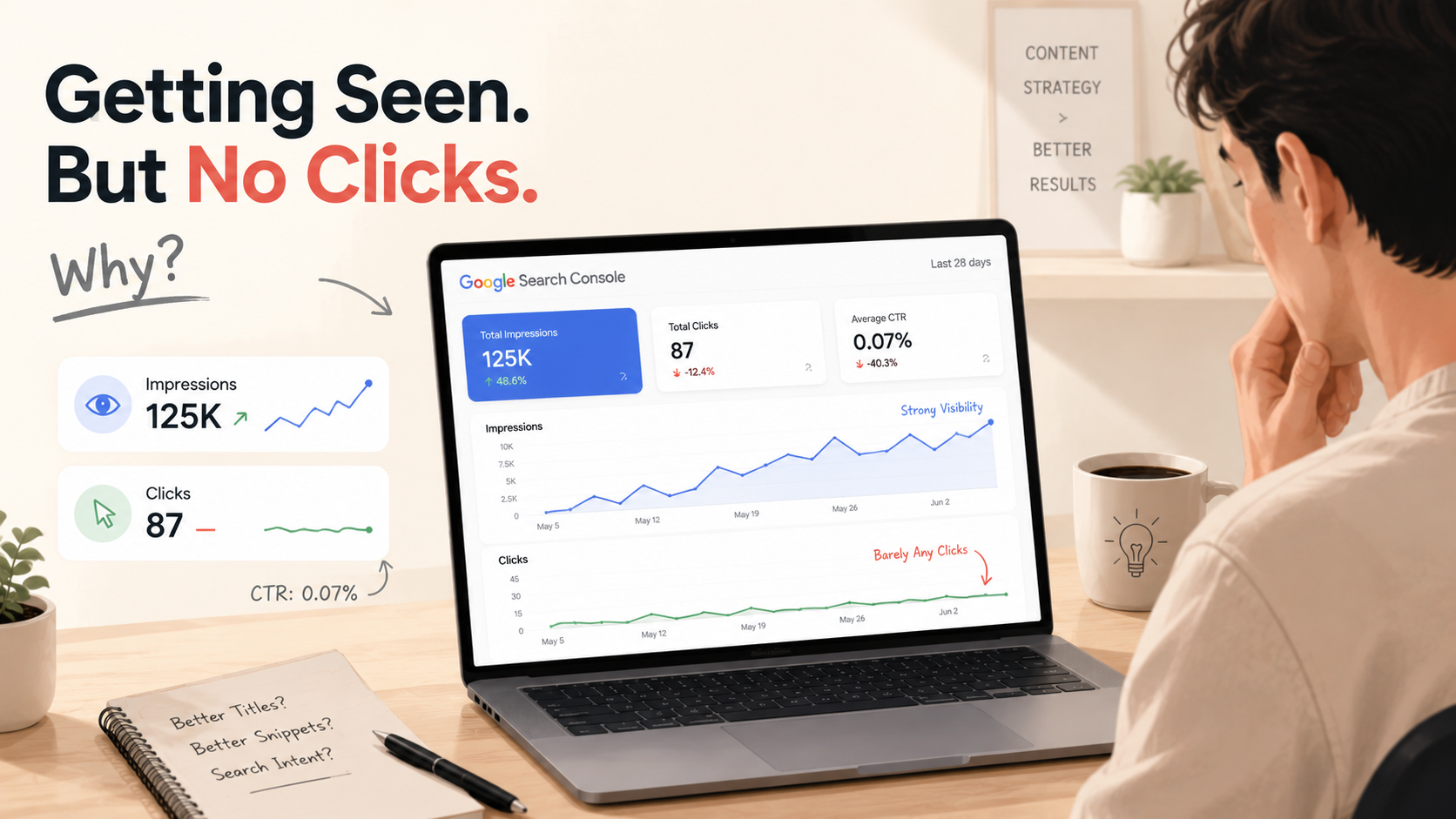
| Impressions high, clicks low | People see your page but don't click | Improve your title and meta description |
| High bounce rate | Readers leave quickly | Add more examples, break up text, improve intro |
| One post getting most traffic | You found a winning topic | Write related posts on similar topics |
Update Old Content
SEO isn’t “publish and forget.”
Your best-performing posts deserve regular updates.
- Add new information
- Fix outdated stats
- Improve weak sections
- Add internal links to newer posts
Updating old content is often faster than writing new posts and can significantly boost rankings.
The Realistic Timeline to 1,000 Visitors
Let’s set honest expectations.
Timeframe | What to Expect |
|---|---|
| Month 1–2 | Minimal search traffic. Focus on publishing and learning |
| Month 3–4 | Some posts start getting impressions. A few clicks trickle in |
| Month 5–6 | Traffic grows noticeably. You see which topics resonate |
| Month 6+ | Compound growth kicks in |
The bloggers who succeed aren’t the most talented they’re the ones who kept publishing when nobody was reading.
Common Beginner Mistakes (And How to Avoid Them)
Mistake 1: Targeting impossible keywords
Don’t try to rank for “best laptops” when competing against massive sites.
Mistake 2: Writing for search engines, not humans
If your post sounds robotic and keyword-stuffed, readers will leave.
Mistake 3: Expecting overnight results
SEO is a long game.
Mistake 4: Never promoting your content
Search traffic takes time.
Mistake 5: Giving up too early
Most blogs fail because people quit at month 3.
Your Action Plan: Start Today
Here’s exactly what to do this week.
Day 1: Find 10 keywords using Google suggestions and People Also Ask.
Day 2–3: Analyze the competition.
Day 4–6: Write your first optimized blog post.
Day 7: Set up tracking with Search Console and Google Analytics.
Repeat weekly.
Publish at least one well-researched post per week.
Consistency beats perfection.
Final Thoughts: Your 1,000 Visitors Are Out There
Right now, someone is typing a question into Google.
A question your future blog post could answer.
That person doesn’t care about your follower count, your domain age, or how professional your website looks.
They just want helpful information.
Give it to them.
Your first 1,000 visitors won’t come from one lucky break. They’ll come from 10, 20, maybe 50 small wins…posts that each attract a handful of readers.
Every successful blog started at zero.
The only difference between those who succeed and those who quit?
They kept publishing.
Your turn.